What’s new in Buy Me a Coffee 1.2.0
Version 1.2.0 — April 26, 2026
Version 1.2.0 is the biggest update since the admin UI redesign. Three major features land in this release: recurring Stripe subscriptions, one-click refunds, and a full activity log across every module. All free, no upgrade required.
⚡ New Feature
1. Stripe Recurring Subscriptions
Supporters can now back you on a monthly or yearly basis — no manual renewal, no chasing payments. The entire subscription lifecycle is managed automatically through Stripe webhooks the moment it happens.
For supporters
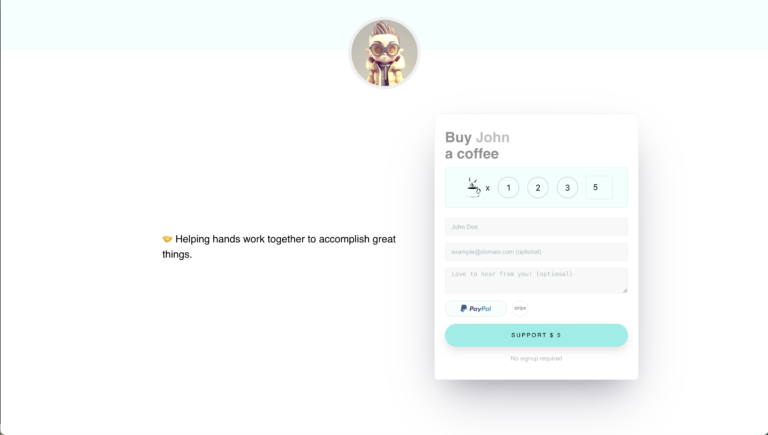
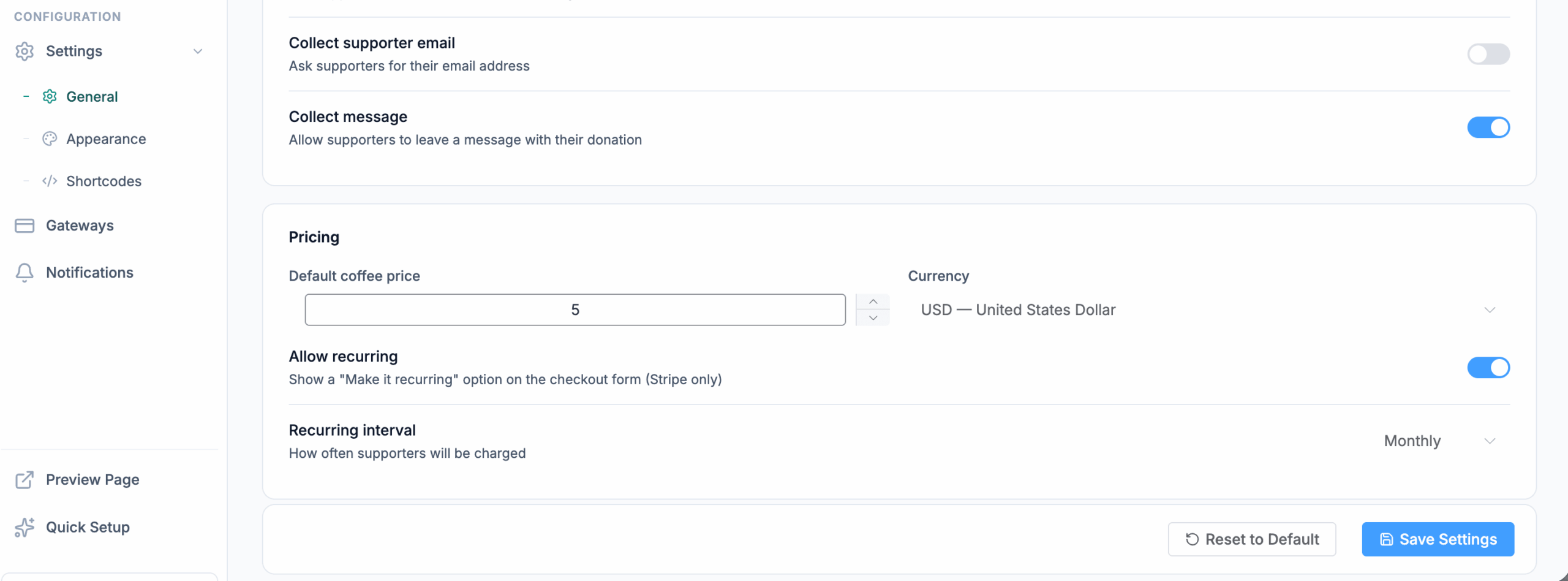
A new Recurring toggle appears on the donation form. When switched on, supporters pick monthly or yearly billing before completing checkout. Stripe handles every renewal automatically from that point forward.
Subscriptions admin page
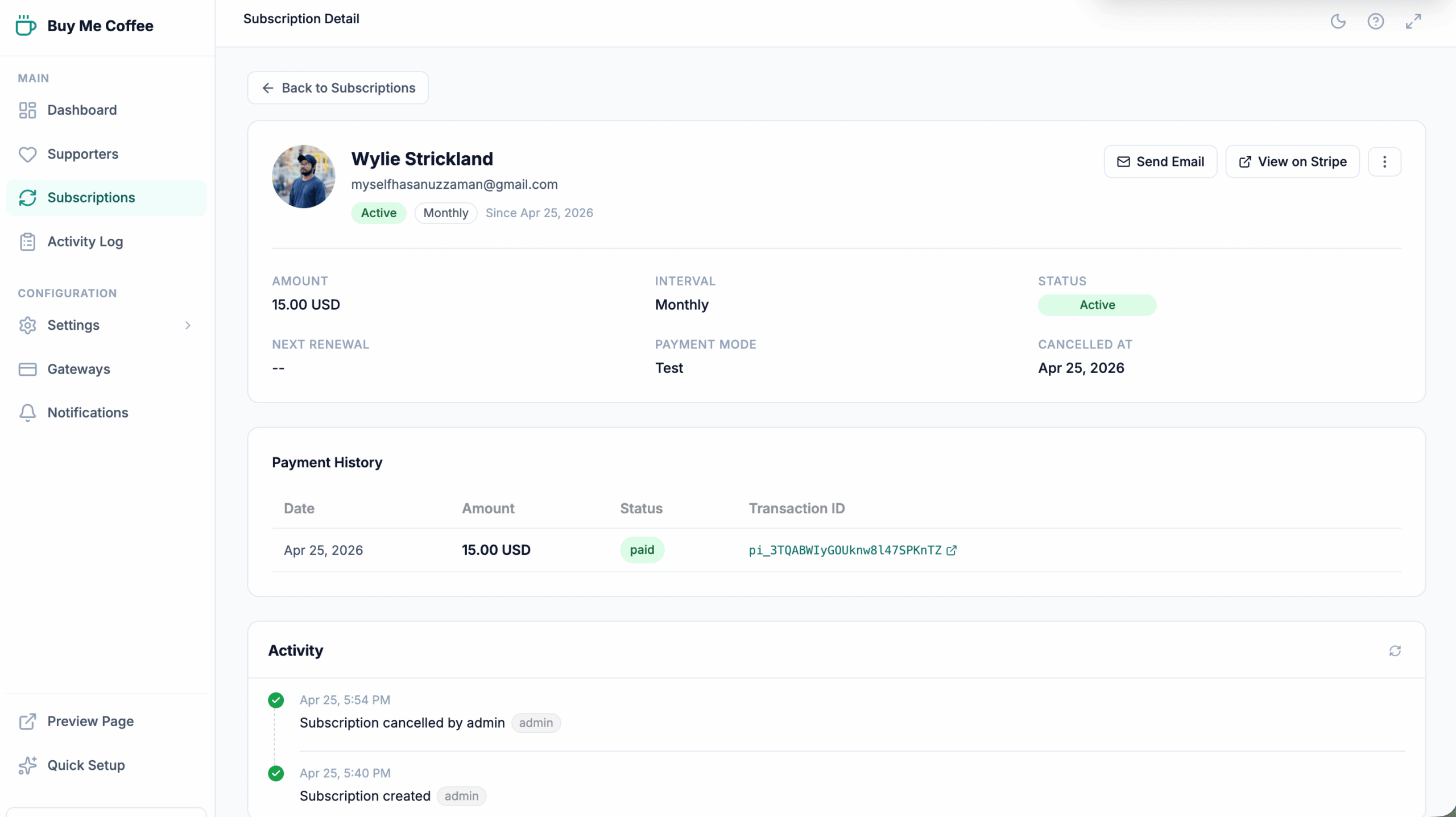
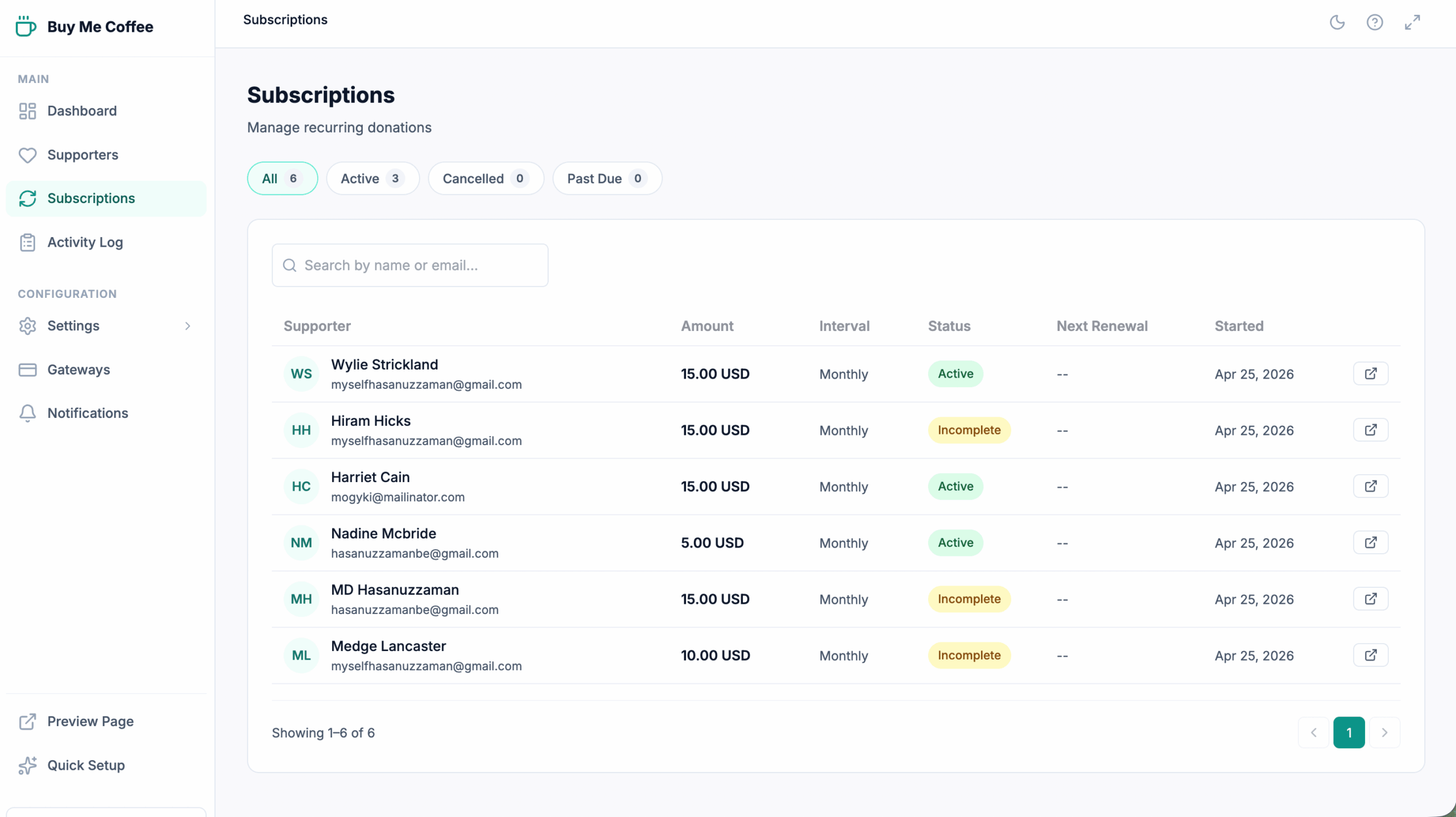
Every active subscription is listed on the new Subscriptions page. Status, billing interval, amount, and next renewal date are visible at a glance. Open any subscription to see its full payment history or cancel it with one click.

Automatic webhook handling
No extra configuration needed. Buy Me a Coffee handles every Stripe subscription webhook automatically:
| Stripe event | What happens |
|---|---|
| invoice.payment_succeeded | Renewal transaction recorded, subscription stays active |
| customer.subscription.deleted | Subscription marked cancelled in admin |
| customer.subscription.updated | Status change reflected immediately |
⚡ New Feature
2. Instant Refunds
Previously, issuing a refund meant logging into Stripe or PayPal, finding the charge, and manually processing it. That’s gone. Open any supporter’s profile, find the transaction, hit Refund — done. Works for both Stripe and PayPal.
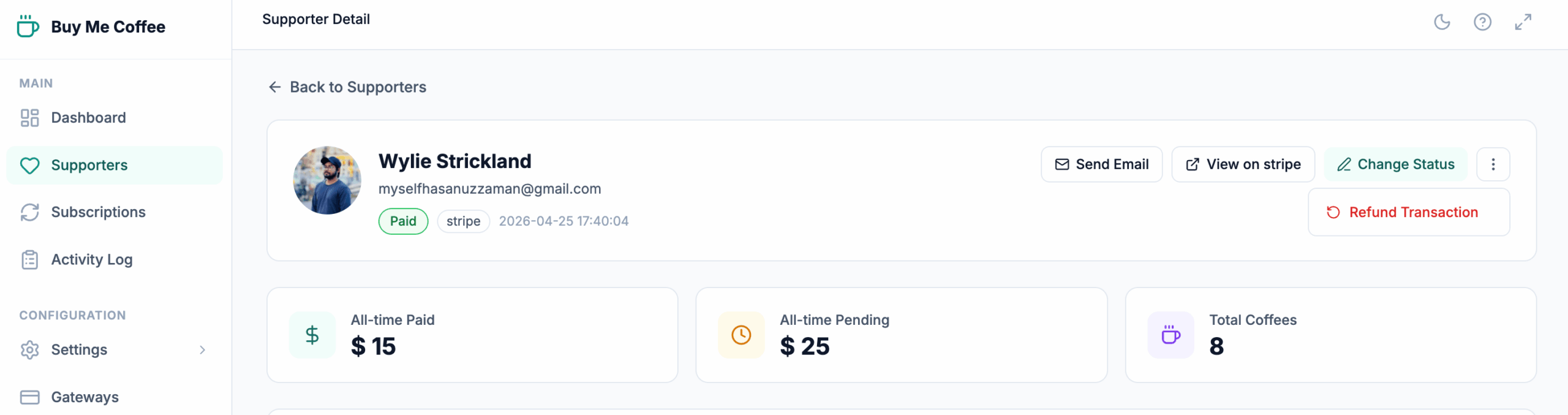
The refund is sent to Stripe or PayPal immediately, for the full transaction amount. The activity log records the event automatically so you always have an audit trail.
⚡ New Feature
3. Activity Log
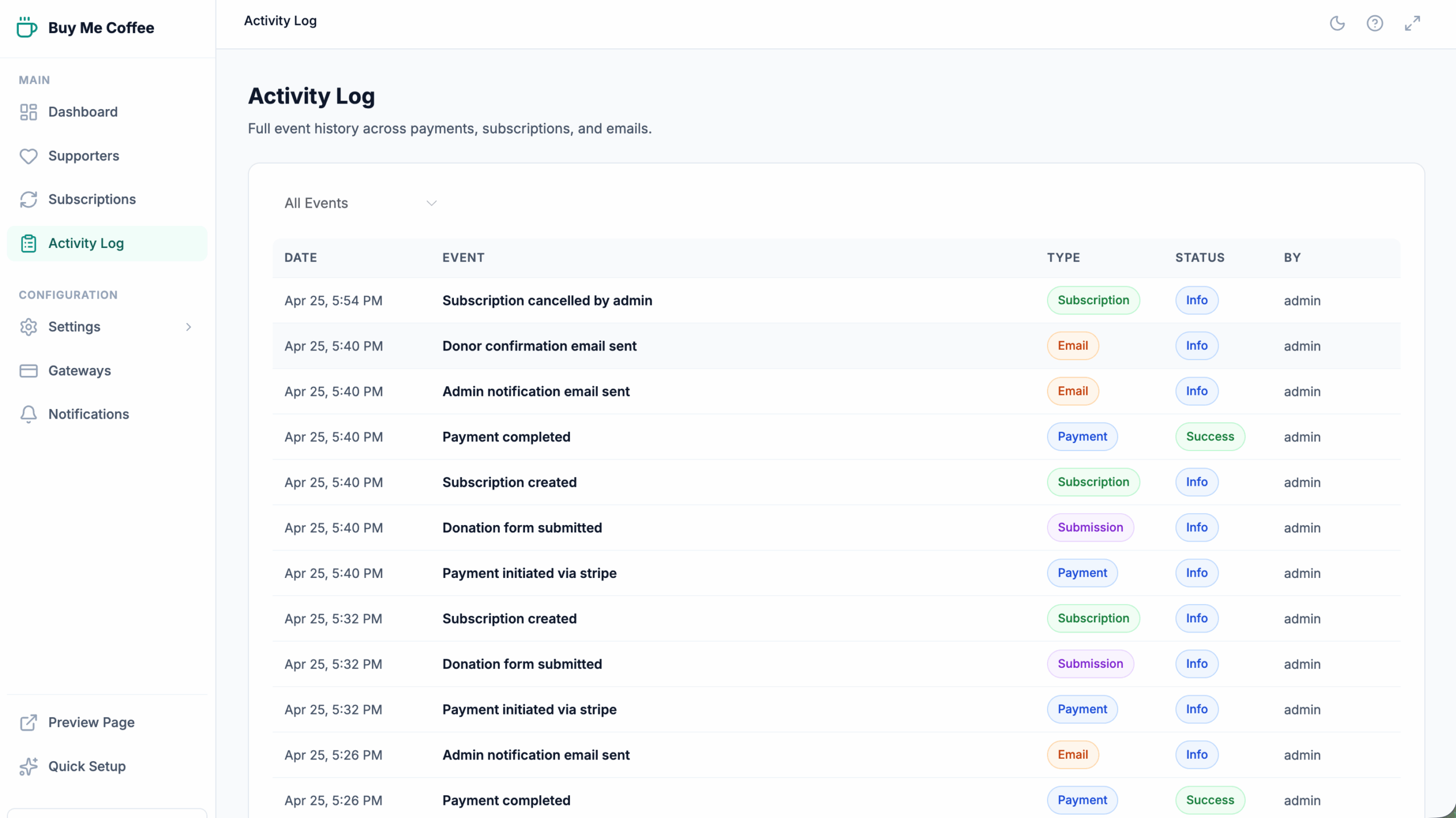
Every significant event — payment completed, subscription renewed, refund issued, email sent, webhook received — is now written to a persistent log. Nothing gets lost. You can always see exactly what happened and when.
On supporter profiles
Scroll to the bottom of any supporter’s profile to see their personal activity timeline — form submission, payment events, emails sent, and any refunds, all in chronological order.
On subscription pages
The subscription detail page shows a focused timeline for that subscription only — creation, activations, renewals, cancellations.
Global Activity Log page
A new Activity Log page in the sidebar shows every event across all modules in a paginated table. Filter by type to zero in on payments, subscriptions, emails, or submissions.
Bonus: What’s New modal
After updating, each admin user sees a short animated “What’s New” modal the first time they open the plugin. It introduces the three new features and disappears once dismissed — and never shows again.
Other improvements
- Gateway logos — Stripe and card logos now display correctly in the payment method selector
- Stripe IPN hardening — duplicate webhook event processing prevented with a per-event lock
- Validation patches — improved handling of edge-case PayPal IPN payloads and Stripe subscription confirmation responses
How to update
- Go to WordPress Admin → Plugins
- Find Buy Me a Coffee and click Update Now
- That’s it — the database migration runs automatically on first load
Backwards compatible: All existing supporters, transactions, settings, and email templates are fully preserved. No manual migration steps required.
Ready to update?
Buy Me a Coffee 1.2.0 is free and available now on WordPress.org.
Questions or feedback? Open an issue on GitHub or leave a review on WordPress.org.